Create one record when an enquiry becomes an order
Custom orders can begin in an email, a market conversation or a shop message. A tracker gives the work a home without forcing you to remember which conversation contained the final colour choice.
Start with an order reference such as MTO-014. Use that reference on your working notes and file names. Record the channel and a link or reference to the original conversation, then write a short, current description of the agreed item. Keep enquiries distinguishable from confirmed work so tentative requests do not quietly fill your production schedule.
This is an organisation method. Your own selling terms and the rules of your sales platform determine when an order is accepted.
Give the tracker three separate status fields
One status called ‘done’ hides too much. Instead, separate the state of the object, the buyer’s decisions and the money. You can then filter for the specific action you need to take.
Keep statuses short and choose them from a fixed list. If some rows say ‘awaiting reply’ and others say ‘waiting on customer’, you can accidentally split one useful group into two.
| Track | Example statuses | Question it answers |
|---|---|---|
| Production | Not started / In progress / Quality check / Ready / Sent or collected | Where is the item? |
| Approval | Brief needed / Proof sent / Revision requested / Approved | Can this version proceed? |
| Payment | Not recorded / Part received / Fully received / Adjustment needed | What is recorded as received? |
Capture the details that change the work
Add fields because they help a decision, not because a large spreadsheet looks professional. If you repeatedly reopen messages to find a detail, it probably deserves a field. Keep sensitive contact and delivery details in an appropriately protected record, rather than on a wall planner or shared screenshot.
- Order reference, item, quantity and current brief version.
- Exact personalisation, dimensions, material and colour choices where relevant.
- Promised handover or dispatch date, with the event date recorded separately.
- The next action, who needs to do it and its due date.
- Approval reference and date, linked to the version approved.
- Agreed total, payments actually received and any remaining balance.
- Collection or delivery arrangement, plus unresolved questions.
Use placeholders in demonstration screenshots. Do not publish a real buyer’s name, address, messages or order history.
Worked example: the colour changes after the first proof
This fictional order is for two personalised crochet pouches. The agreed total is £60, of which £20 has been recorded as received. Proof v1 shows cream lettering. The buyer then asks about blue lettering.
Record the request as a proposed change. Note whether it affects materials, price or timing, and prepare a clearly labelled v2 for confirmation. Keep v1 for context, but mark v2 as the current proposal. Do not treat a question about a change as approval to make it.
| Field | Current record |
|---|---|
| Brief | Two pouches; blue lettering proposed in v2 |
| Production | Not started |
| Approval | Proof v2 sent; waiting for confirmation |
| Payment | £20 received against £60 total; £40 remaining |
| Next action | Check reply to v2 on 16 October |
| Handover | 24 October; reconfirm if the change affects timing |
The amounts and dates illustrate record keeping only. Set payment timing and change arrangements through your own agreed process.
Work backwards from the handover date
A buyer’s event date is not the same as your dispatch date. Write each separately, then add your internal finish and checking dates. Include the time you expect to need for materials, production, drying or finishing where relevant, packing and delivery arrangements.
If the plan requires starting before approval or before materials can arrive, make that conflict visible. Resolve the promise with the buyer before treating it as a confirmed schedule. A tracker can show an impossible plan; it cannot create extra production time.
Use a five-minute daily review
Read the orders due soon, then the orders waiting for a reply, materials or a recorded payment. Choose the next concrete action for each. ‘Work on order’ is hard to finish; ‘send v2 proof’ or ‘confirm collection window’ is clear.
At handover, update both the production record and the payment record from what actually happened. Keep any remaining follow-up visible. A closed item should not still contain an unresolved delivery question.
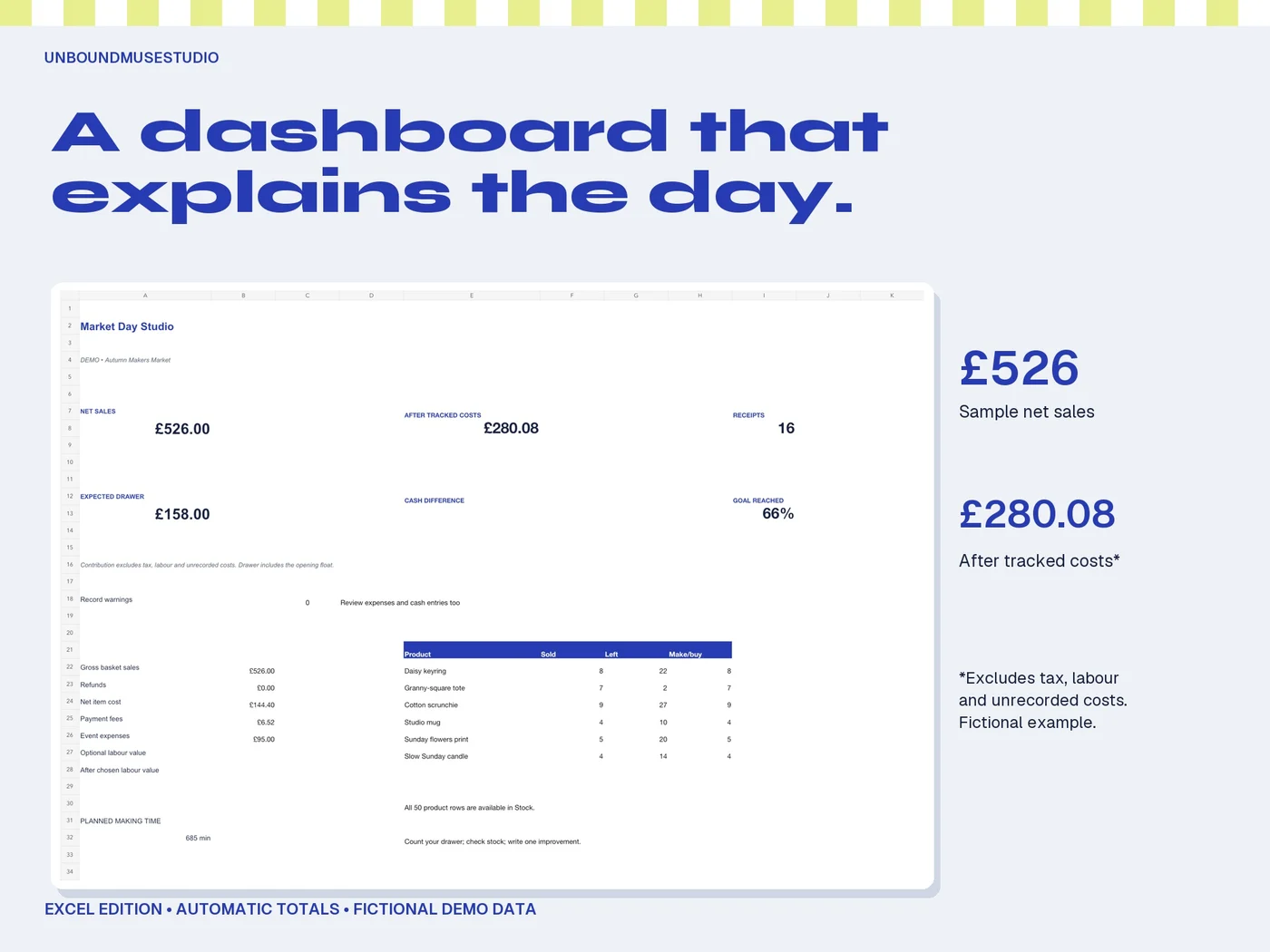
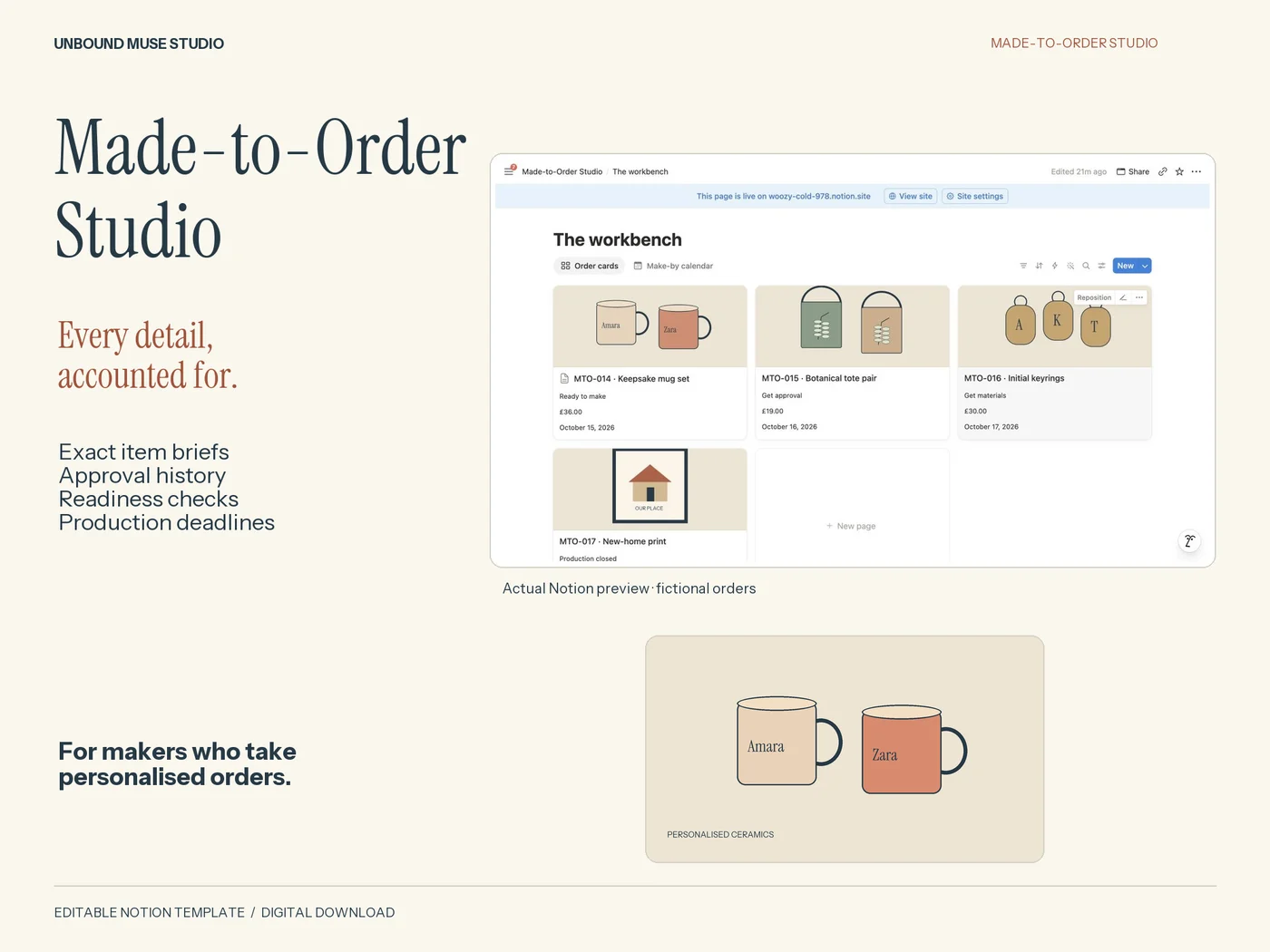
Made-to-Order Studio provides a structured place for this workflow in a spreadsheet, fillable PDF and Notion. Records are manual: the bundle does not collect payments, send messages or synchronise with Etsy, and the formats do not sync with one another.