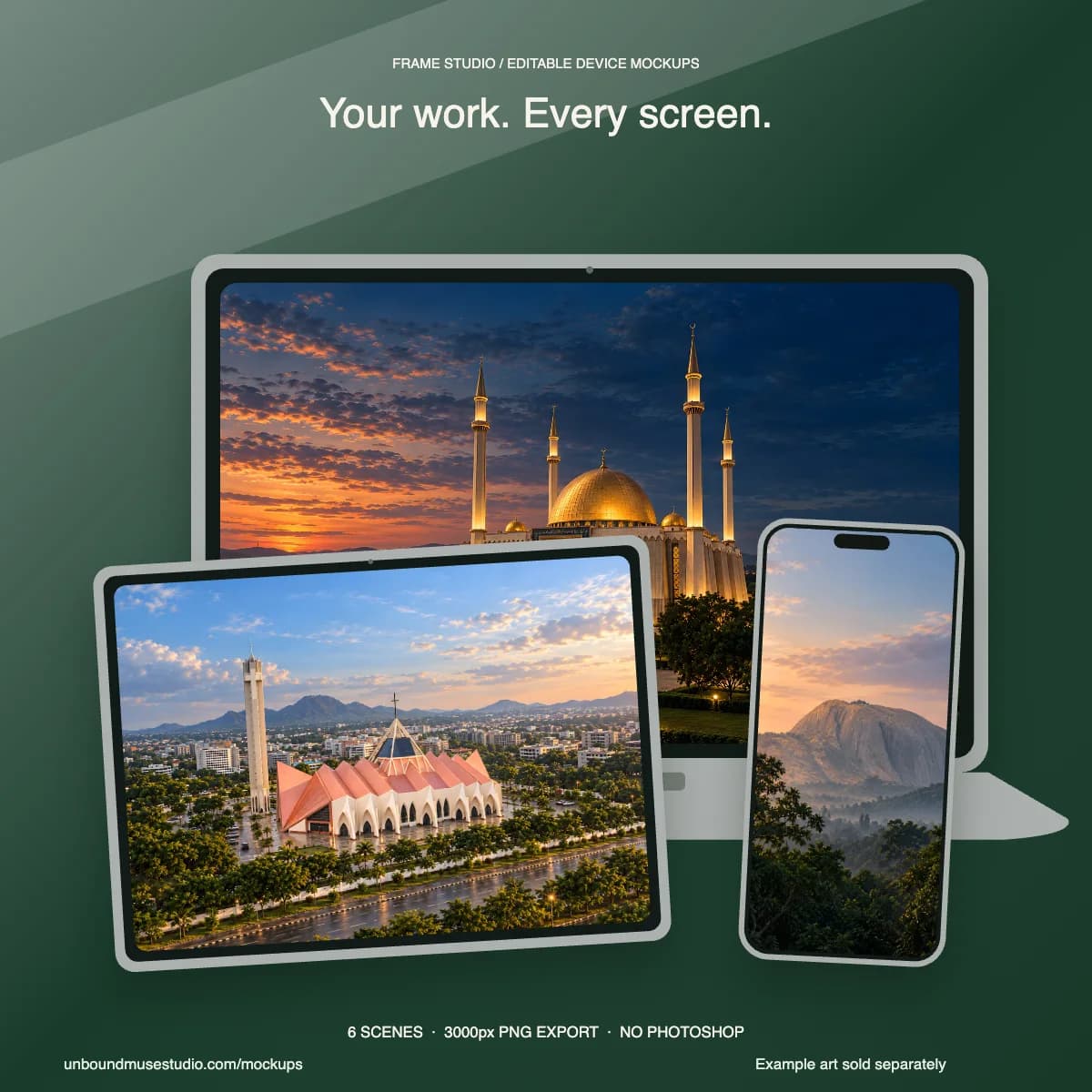
 New · mockup kit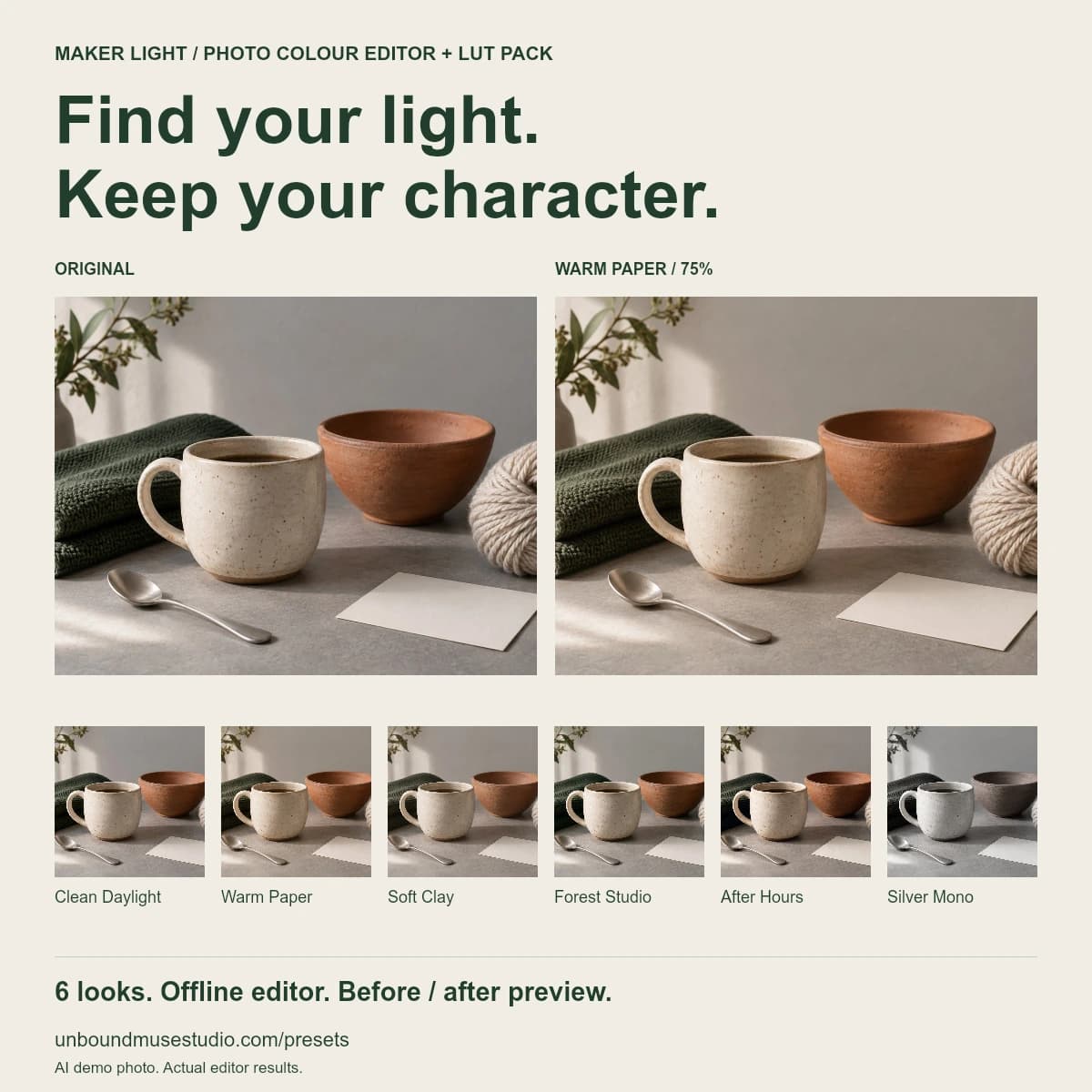
Product preview · Digital download only
Creator tools
Maker Light
Try the free interactive preview →Photo colour editor & LUT pack
Six adjustable creative photo looks for the images around your business. Compare before and after, control strength and export using a private offline editor.
£6.99One purchase. Your download to keep.
Buy on Payhip Checkout and file delivery are handled by Payhip.
Price in GBP. Payhip shows any applicable tax and the final total before payment.
Inside your download
- Six looks: Clean Daylight, Warm Paper, Soft Clay, Forest Studio, After Hours and Silver Mono
- Before-and-after editor with strength, brightness and warmth controls
- JPG export at source dimensions, up to 6000px on the longest edge
- Six 33-point .cube LUTs, beginner guides and commercial licence
A LITTLE MORE CLARITY
Made to help you…
- 01Try each look on your own photo before choosing.
- 02Images are processed in your browser and stay on your device.
- 03Use the offline editor without an account or subscription.
What to know before buying
For standard SDR sRGB JPG, PNG or WebP. Convert HEIC, RAW and HDR first. No Lightroom XMP/DNG presets included.
Colour looks change colour; compare with the real item and reduce strength for product accuracy.
Third-party LUT app imports have not been manually tested. The included editor and LUT processing were tested.
Browser JPG export does not preserve EXIF or wide-gamut data. No saved projects between sessions.
AI-generated demo photo; the before/after differences are produced by the actual editor. AI-assisted development.
How do I receive and use it?
Follow the button to Payhip, complete checkout and download your files. Start with the included instructions. A compatible app is needed for each format: Excel for spreadsheets, a PDF reader that supports forms for fillable PDFs, or a Notion account to duplicate a Notion template.
Choose one supplied format to begin. Different versions are separate files and do not automatically sync.
Read the download guide →Use and sharing
Single-creator commercial use for finished images made with your own content, including client work. Do not resell or redistribute the editor, preset files or blank templates.
Need a hand?
Contact the studio with the product name, your order reference and a short description of the issue. Never include card details, passwords or private client records.
Contact the studio on Payhip →Keep exploring.
More in Creator toolsNew · mockup kit