Spreadsheet
Microsoft Excel recommended. Other spreadsheet apps may handle formulas and formatting differently.
YOUR FIRST STEP
Save a copy, open Start Here and change the designated input cells.
Studio & business
Market Day Studio · bundle overview
Plan what to bring, record what sells and check what is left after tracked costs. Get the Excel workbook, fillable PDFs and Notion organiser in one download—no Notion account needed to use Excel or PDF.
Checkout and file delivery are handled by Payhip.
Price in GBP. Payhip shows any applicable tax and the final total before payment.
BEFORE. DURING. AFTER.
The free calculator helps set a stock target. This pack helps you record the event and review actual results. Start with the included fictional example, then reset a copy for your own market.
Set opening stock, plan production and record event expenses before you leave.
Keep mixed-item receipts, discounts, returns and payment fees together.
Check the cash drawer, count leftovers and review contribution after recorded costs.
Choose your format: Excel calculates the dashboard. PDF and Notion are manual organisers. All three are included; you only need one. No Notion account is needed for Excel or PDF. Check software requirements →
The calculator and purchased files do not sync or import automatically. Contribution excludes tax, labour and unrecorded costs; see the worked example below.
SEE THE ACTUAL FILES
Actual Excel worksheet previews from the fictional Autumn Makers Market example. Figures demonstrate the workbook, not expected earnings.
Actual Market Day Stock worksheet with fictional product rows, quantities and planning inputs.
KNOW WHAT YOU WILL OPEN
These formats are included in this download. Start with the one that suits you; separate versions do not sync.
Microsoft Excel recommended. Other spreadsheet apps may handle formulas and formatting differently.
Save a copy, open Start Here and change the designated input cells.
A PDF reader with form support. Browser and mobile PDF previews can behave differently.
Download, type a short test, save and reopen. Drawing areas and totals may still be manual.
A Notion account to duplicate and edit your own copy.
Open the template link in the download instructions and duplicate it into your workspace.
A LITTLE MORE CLARITY
Spreadsheet calculations and PDF/Notion records work independently; they do not sync.
PDF totals and most Notion calculations are manual. Desktop use is recommended.
Follow the button to Payhip, complete checkout and download your files. Start with the included instructions. A compatible app is needed for each format: Excel for spreadsheets, a PDF reader that supports forms for fillable PDFs, or a Notion account to duplicate a Notion template.
Choose one supplied format to begin. Different versions are separate files and do not automatically sync.
Read the download guide →Use these tools for your own planning or your own business workflow. Do not resell, redistribute or share the template files or access links. See the supplied licence for product-specific terms.
Contact the studio with the product name, your order reference and a short description of the issue. Never include card details, passwords or private client records.
Contact the studio on Payhip →Formats, contents and limitations are listed on this page, with guidance for getting started.
Payhip handles checkout and delivery. Check the final total, then download your files after purchase.
Read the download help or contact the studio with a question about a product or your order.
Contact the studio →
Illustrated craft fair guide, workbook & calculator
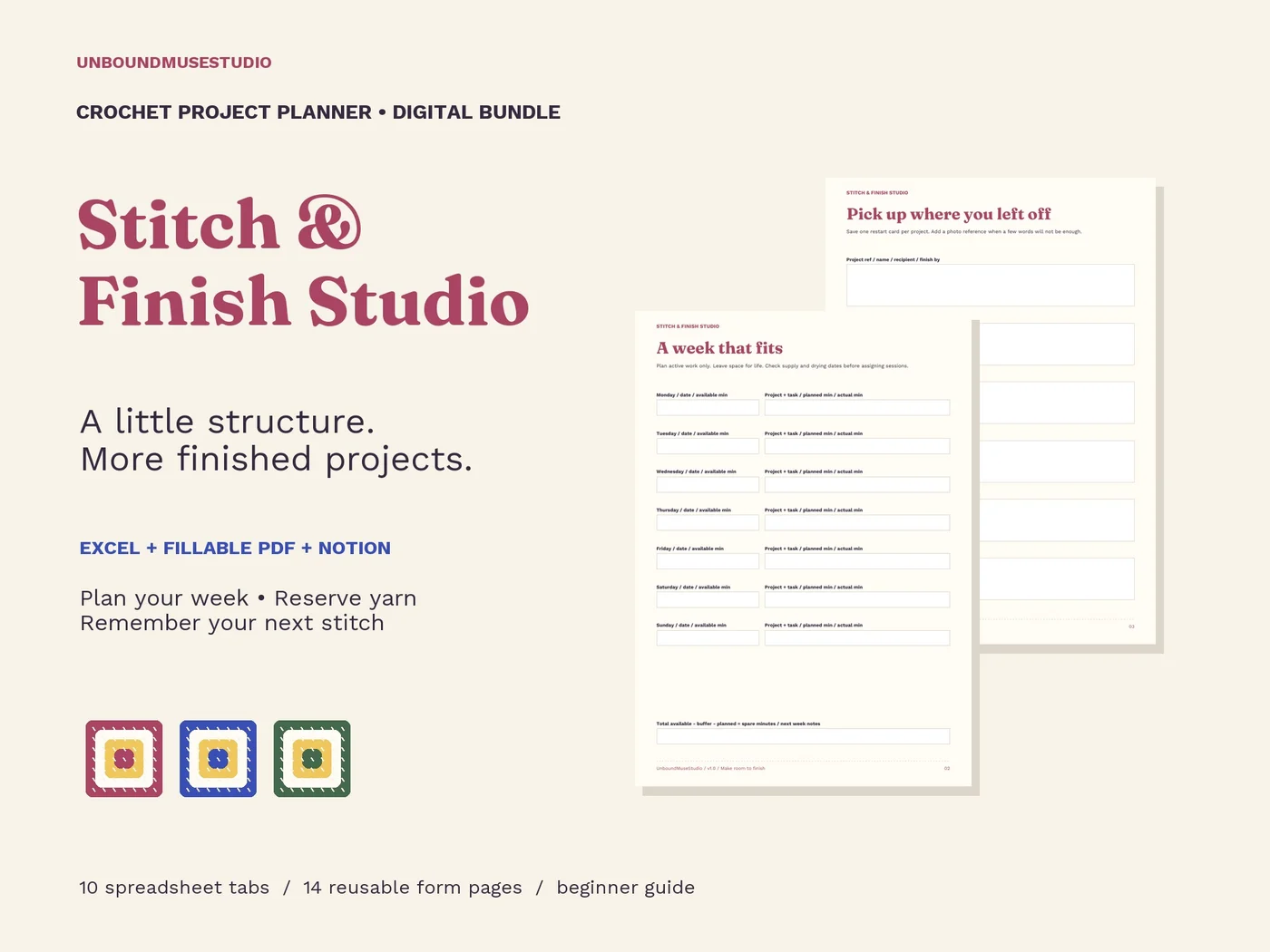
Crochet project planner & yarn stash tracker
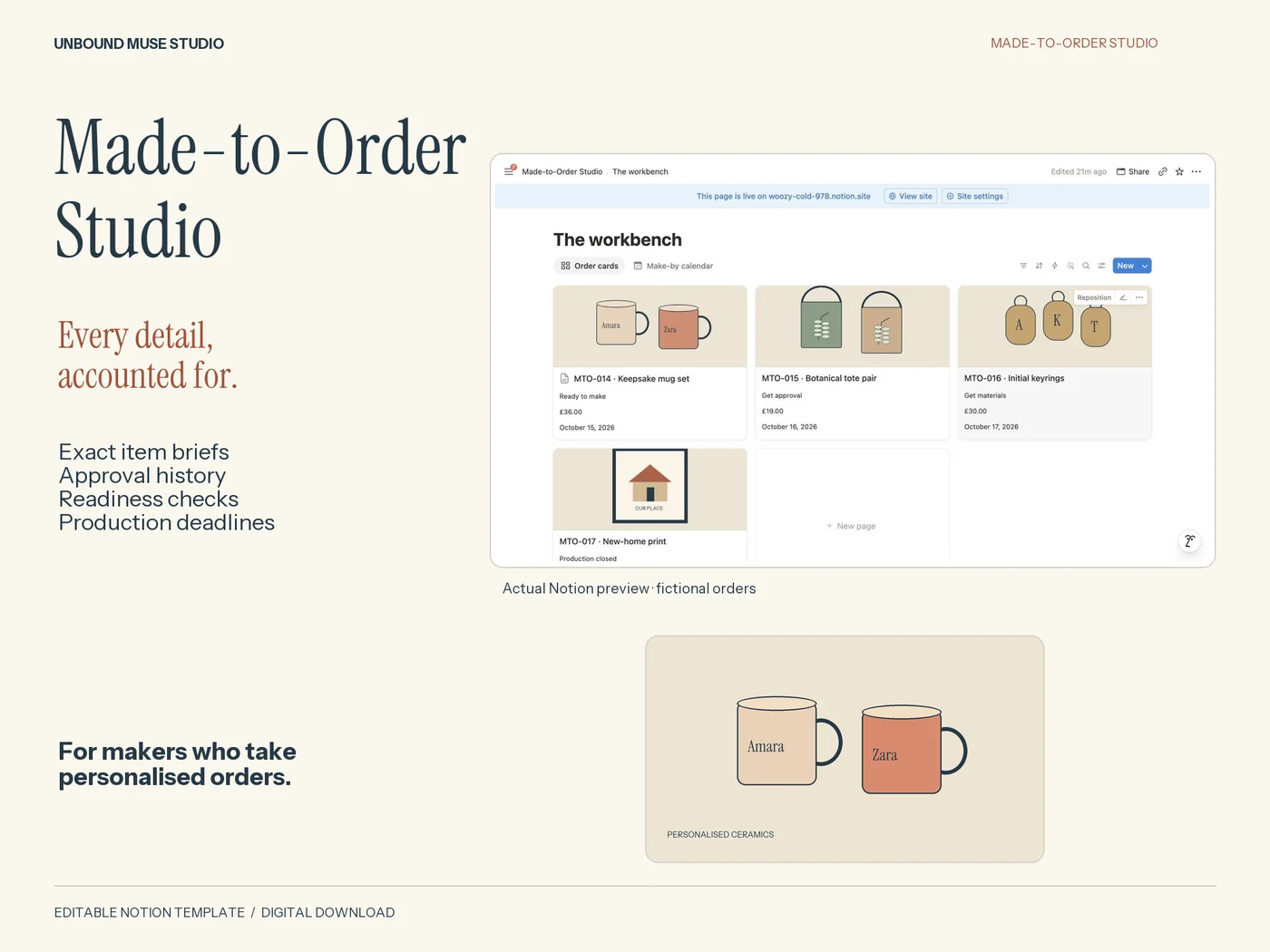
Custom order tracker & creative business planner